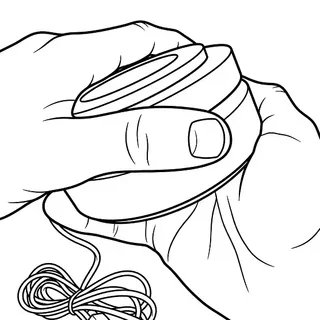
MagTech™ is our magnetic connection system that lets every compatible base, shade, and lens work together. Swap colors, change styles, or refresh your space in seconds—no tools required.
Attaching the Shade: The shade attaches magnetically to the base using four built-in magnets. Simply align the shade with the base and gently lower it into place. The magnets will automatically guide and secure the shade in the correct position.
Attaching the Lens: Each lens attaches magnetically inside the shade using four built-in magnets. Align the lens with the inside of the shade and gently press it into place. The magnets will snap the lens into position, making it easy to swap lenses whenever you'd like to change the look and feel of your light.
Shades & Lenses
Attaching the Shade
The shade attaches magnetically to the base using four built-in magnets. Simply align the shade with the base and gently lower it into place. The magnets will automatically guide and secure the shade in the correct position.
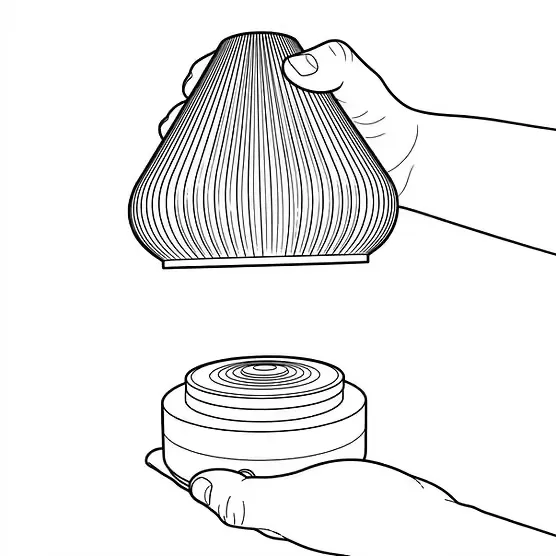
Attaching the Lens
Each lens attaches magnetically inside the shade using four built-in magnets. Align the lens with the inside of the shade and gently press it into place. The magnets will snap the lens into position, making it easy to swap lenses whenever you'd like to change the look and feel of your light.
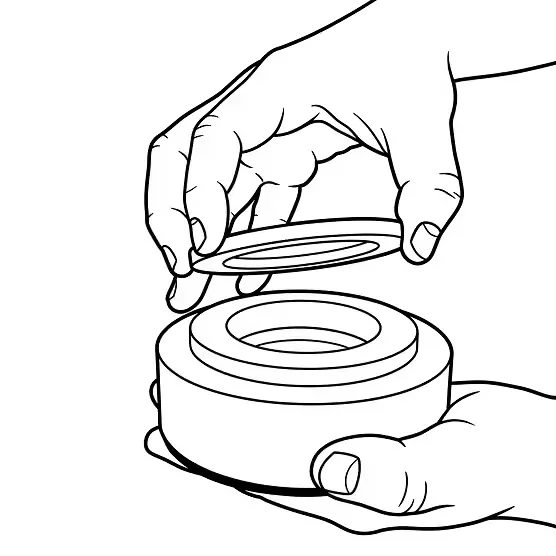
Replacing E12 Bulb Original Base
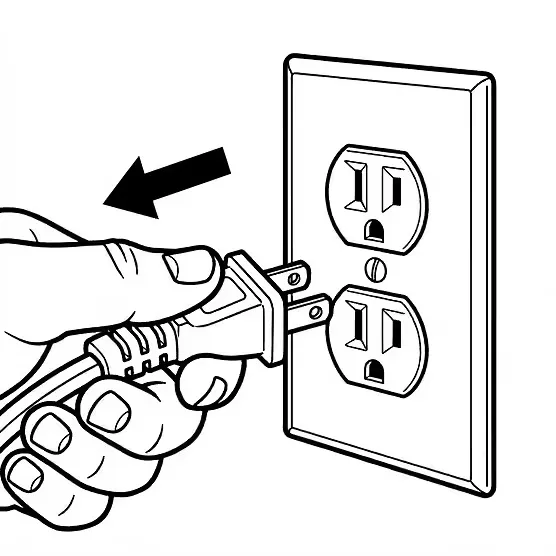
Before Opening the Base
Always unplug the light before opening the base to tighten or replace the bulb.
Opening the Base
Gently pull the two halves apart. The base is held together magnetically, allowing access to the bulb..
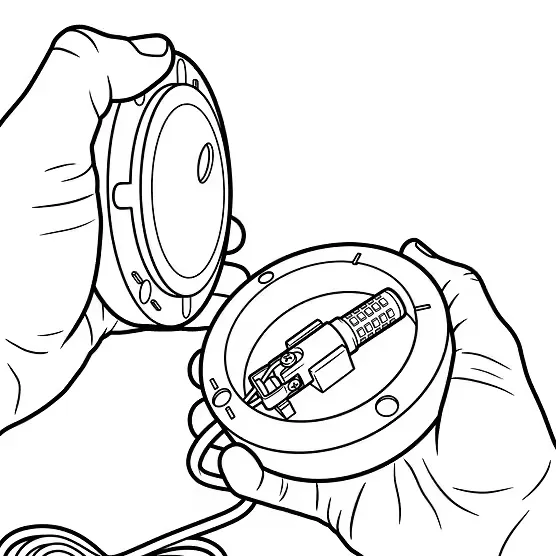
Replacing or Tightening the Bulb
Tighten or replace the E12 bulb as needed. Be sure the bulb is securely installed before reassembling the base.
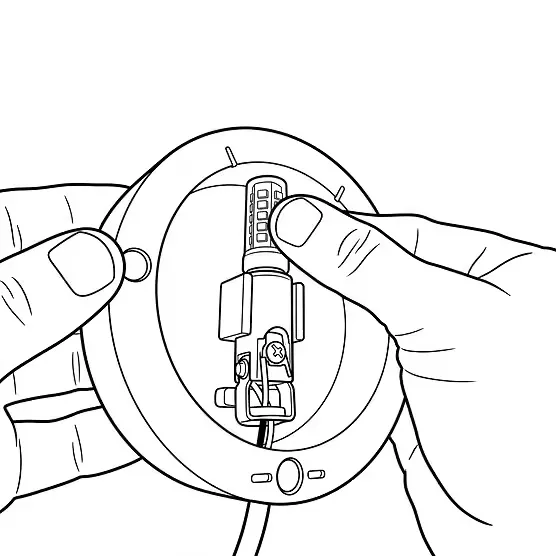
Reassemble the Base
Align the two halves and press them back together until they are fully seated.